

Virtual companion
Moki
He exists. He waits. He feels.
First, an egg. Listen to it, warm it, sing it a lullaby: it hatches once it has received enough different kinds of attention. After that, Moki lives to the rhythm of your visits.
- Available
- Account optional
- Offline
- 5 languages
- Free
In pictures
Scroll to see the other screens.
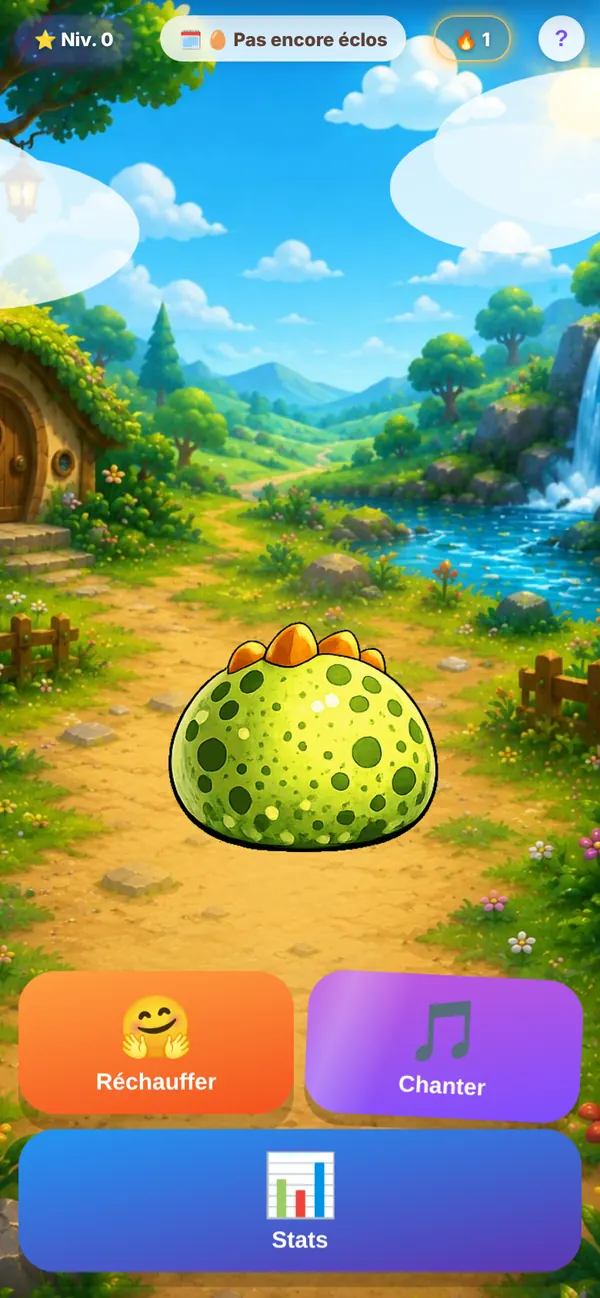
The egg: three kinds of attention to hatch it 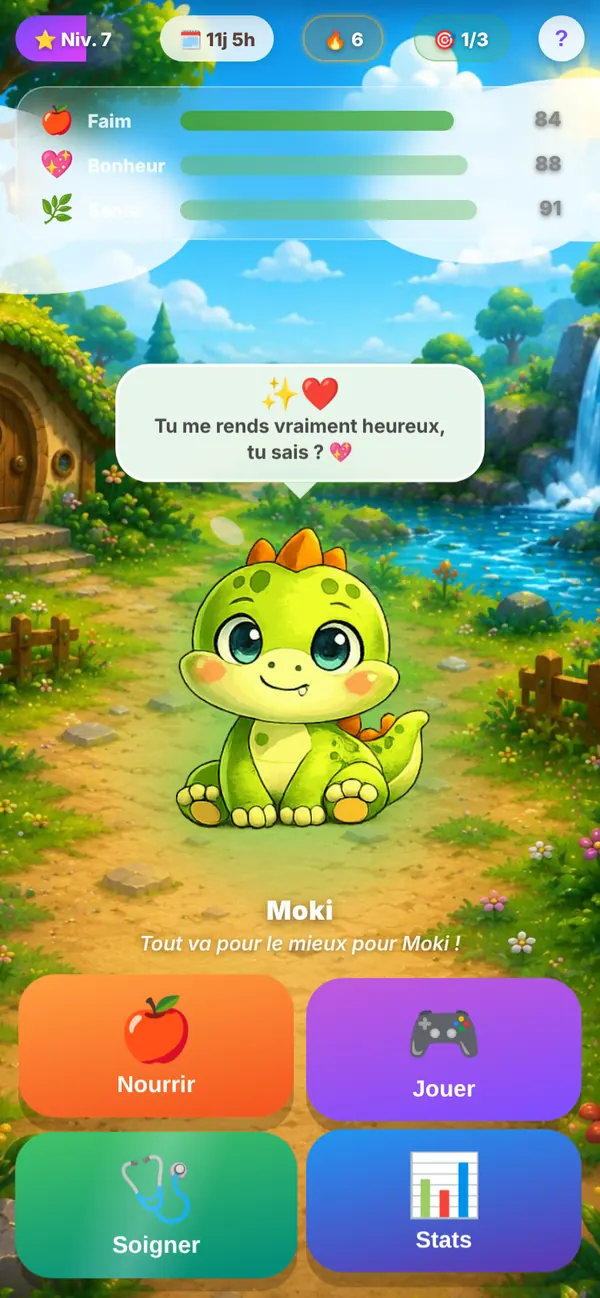
Hunger, happiness, health: it’s up to you to watch over them 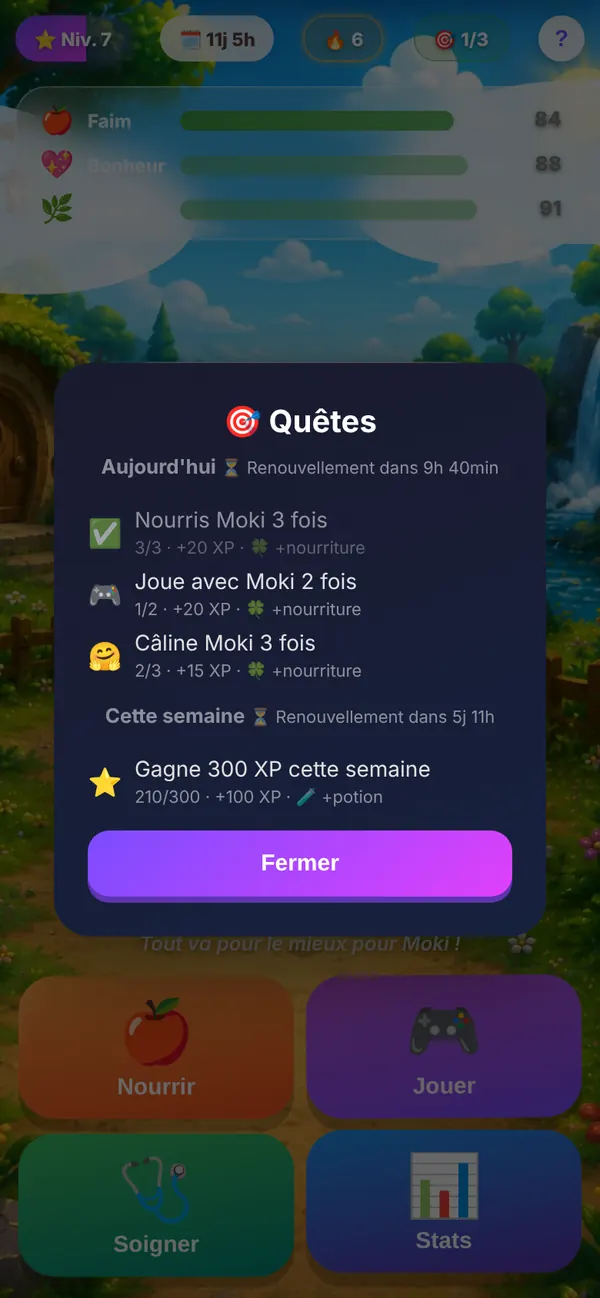
Quests every day and every week 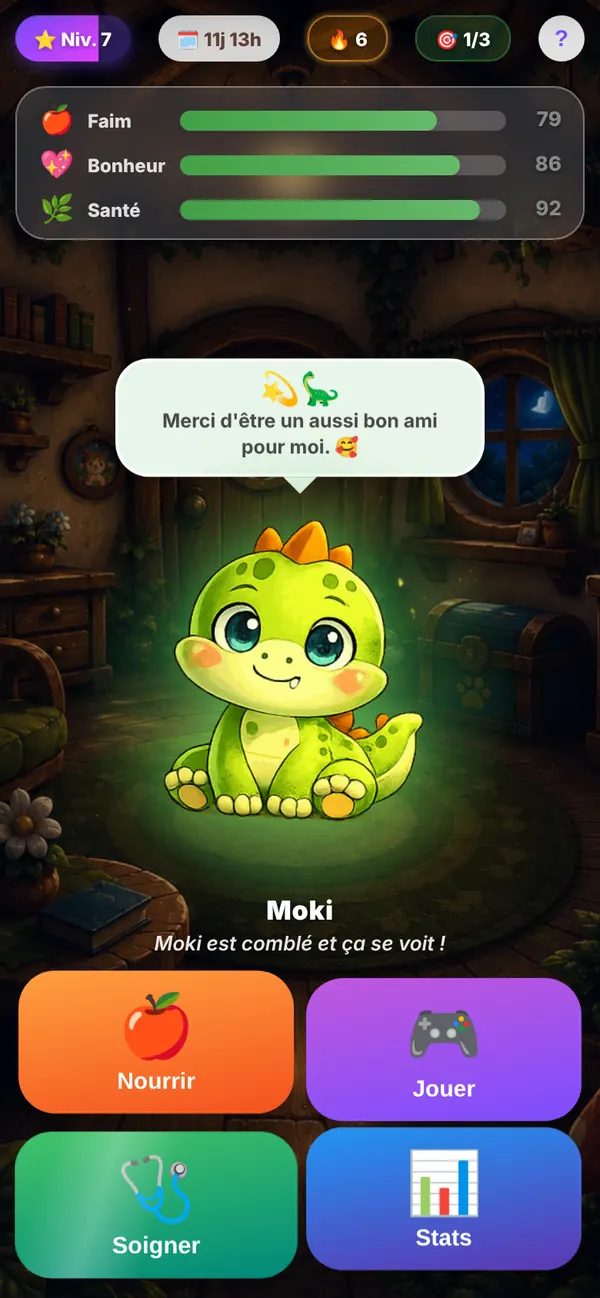
In the evening, Moki goes back home
The essentials
A presence, not a playthrough
Moki isn’t a game you finish. He gets hungry, he gets bored, he sometimes falls ill; he’s happy when you come back. The scenery follows the time of day and the weather: a sunny garden, rain, indoors after nightfall.
Every day brings its quests, every week its challenge, and consecutive days of visits are rewarded. Levels are earned by taking care of him.
What it can do
Hatch
Listen, warm, sing: the egg responds to the variety of your attention.
Feed, play, heal
Three gauges to watch, illnesses to cure, potions to earn.
Day, night and weather
The scenery follows the time and the weather; moving your phone brings the scene to life.
Quests and streaks
Daily and weekly challenges, day streaks, level milestones.
Top 20 leaderboard
Optional: a public nickname, never your name or your email address.
Cloud save
Optional: a Google sign-in to find Moki on another device.
Fact sheet
- Type
- Game · virtual companion
- Devices
- Phone (browser), installable
- Languages
- French, English, Spanish, Portuguese, German
- Account
- Optional — Google sign-in for cloud save and the leaderboard
- Offline
- Yes
- Ads
- Simulated — a screen in exchange for potions, no ad network connected
- Purchases
- None
- Price
- Free
- Status
- Available
Your data
- Your game is saved on your device.
- Optional Google sign-in: your name, your email and your progress are then kept by Firebase (Google) for cloud save and the leaderboard.
- Google Analytics audience measurement only if you accept cookies in the app.
Install it
Open Moki, then: on Android, ⋮ menu → “Install app”; on iPhone, Share → “Add to Home Screen”; on a computer, the install icon in the address bar.